Back

Senova AI Extension Setup
Follow these simple steps to load the Senova AI extension and begin your journey to mindful learning.
Download ExtensionStep-by-Step Installation
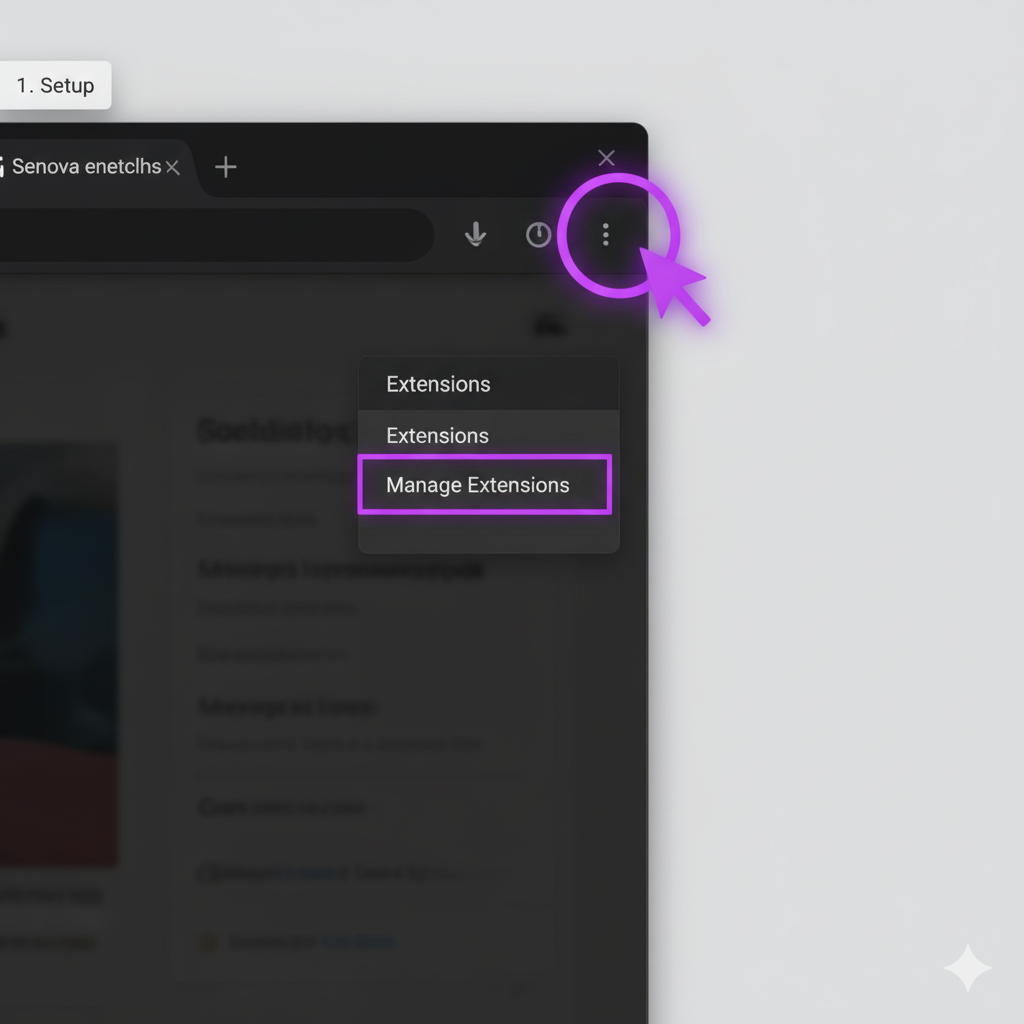
Step 1: Open Extension Settings
In Chrome, click the three-dot menu (⋮), go to Extensions, then Manage Extensions. Or, type chrome://extensions in your address bar.
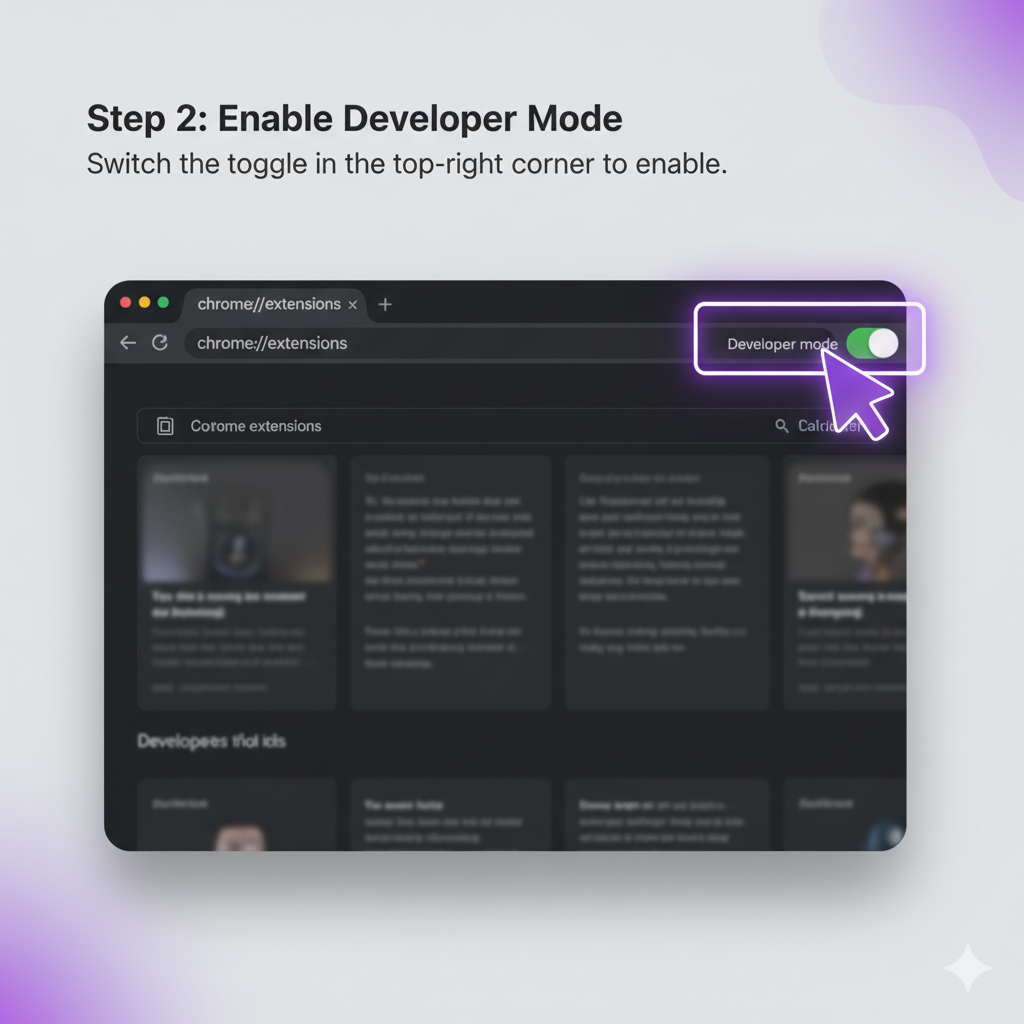
Step 2: Enable Developer Mode
On the "Extensions" page, find and enable the Developer mode toggle switch, usually in the top-right corner.
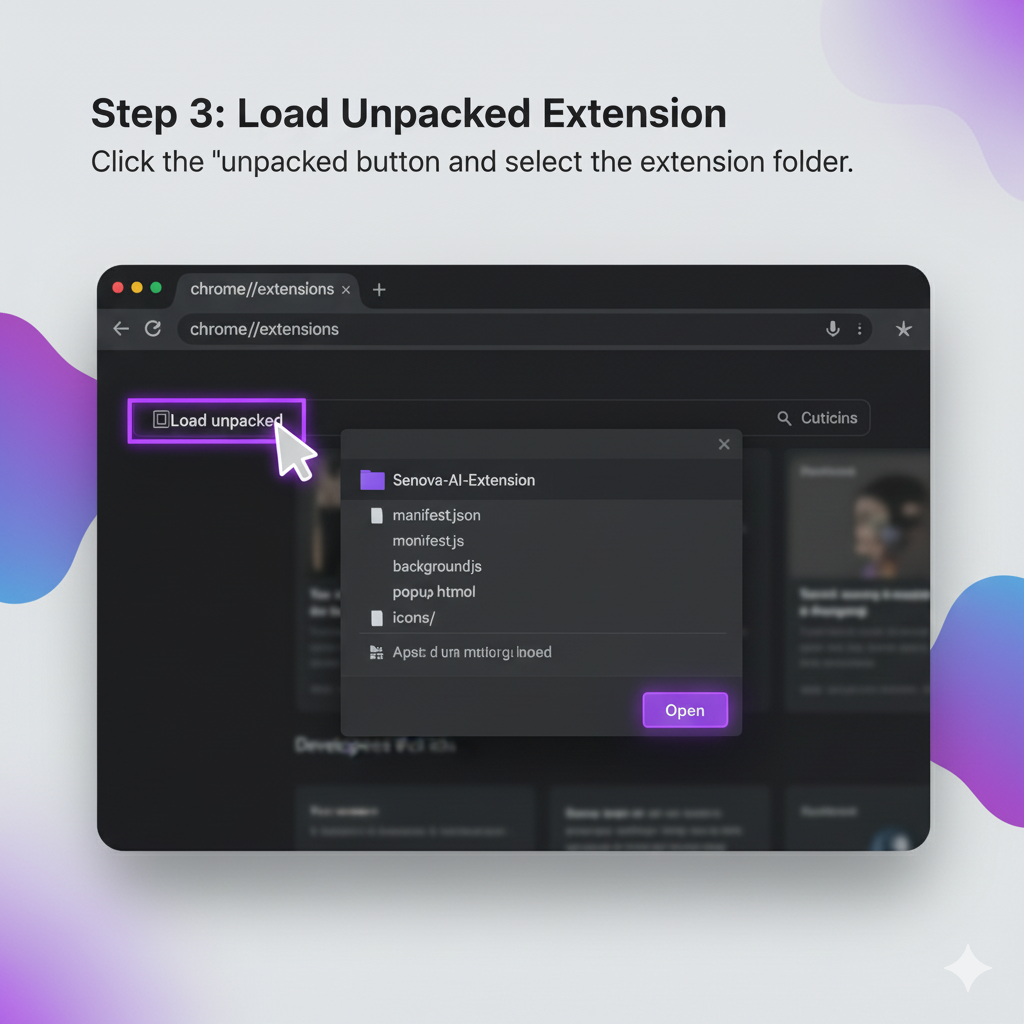
Step 3: Load Unpacked Extension
With developer mode enabled, click the Load unpacked button. Select the unzipped extension folder (the one containing manifest.json).